


I got hold of an older Lenovo W541 notebook equipped with an Intel Core i7 processor and an Nvidia Quadro 2100 graphics card, which even today offers above-standard computing performance, and Windows 11 runs fast, as it should. After the necessary hardware repair and diagnostics, it was time for the software, and thus also the BIOS upgrade to the latest available version 2.42, which turned out to be more complicated than it seemed at first glance. First, I downloaded the update software for Windows from the Lenovo manufacturer's website and ran it. I was not happy with the result, because the procedure ended in failure.

I attributed this to the fact that I had already upgraded the notebook to Windows 11. So I downloaded the ISO image for the bootable CD BIOS Update (Bootable CD) gnuj39us.iso from the Lenovo website, which disappointed me again, because the burned CD would not boot and did not contain any files. I opened the downloaded ISO file first in File Explorer and then using a program. The program 7-Zip showed some image inside the ISO, but it could not be extracted.
Analysis of the problem revealed that Lenovo uses El Torito compression to create its bootable CD images. So the solution was simple after this discovery. I downloaded the PERL utility geteltorito from GitHub to the C:\BIOS folder and installed PERL for Windows. I also copied the BIOS Update (Bootable CD) gnuj39us.iso to this folder. Using commands from the console, I switched to the C:\BIOS folder and ran the decompression:cd C:\BIOSgeteltorito.pl -o boot.iso gnuj39us.iso
This way, I generated a boot.iso image that can be burned to a CD or USB stick and used to boot the notebook. Then the BIOS upgrade to version 2.42 is successful.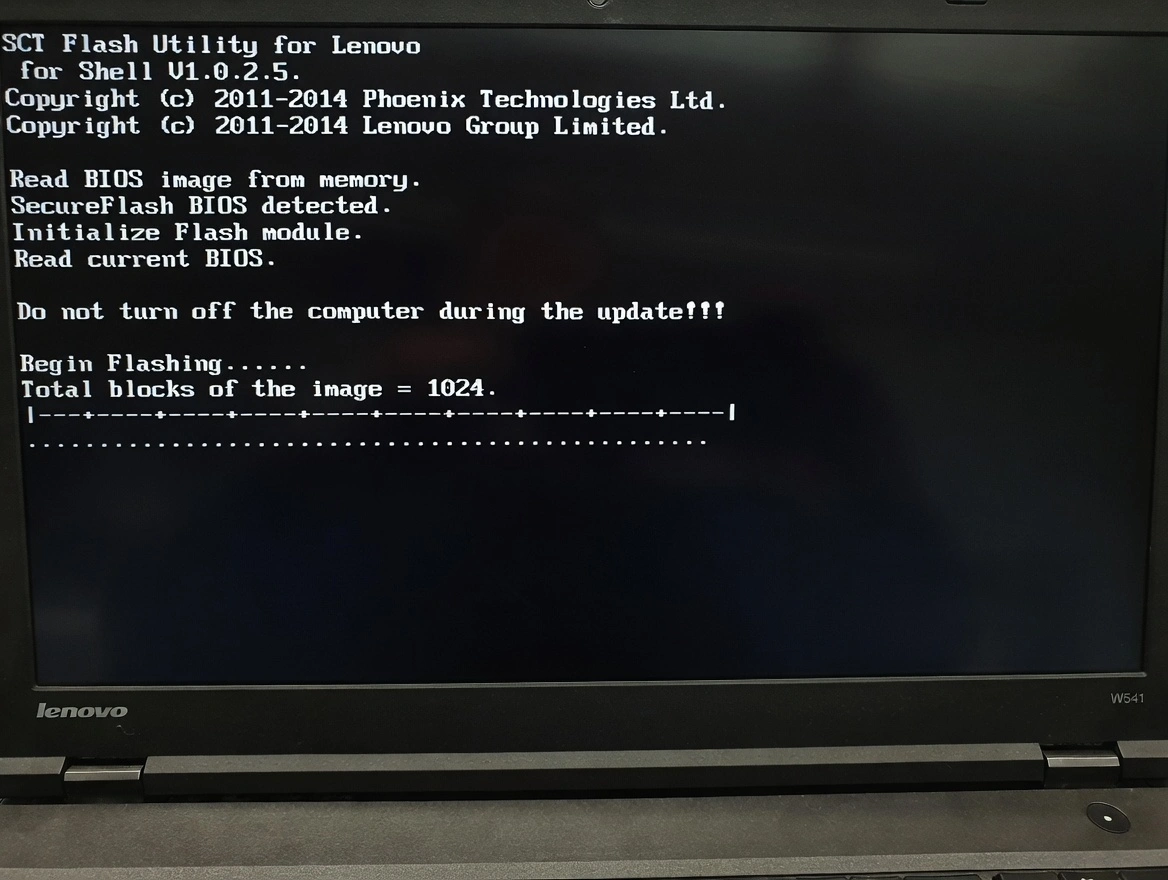
.