


With modules equipped with the CH340 chip. This chip serves as a converter between the serial interface and USB.
Very often we can encounter this chip on modules of Chinese manufacture; in my case, it is quite regularly on products based on popular processors from the company Espressif Systems ESPxx.
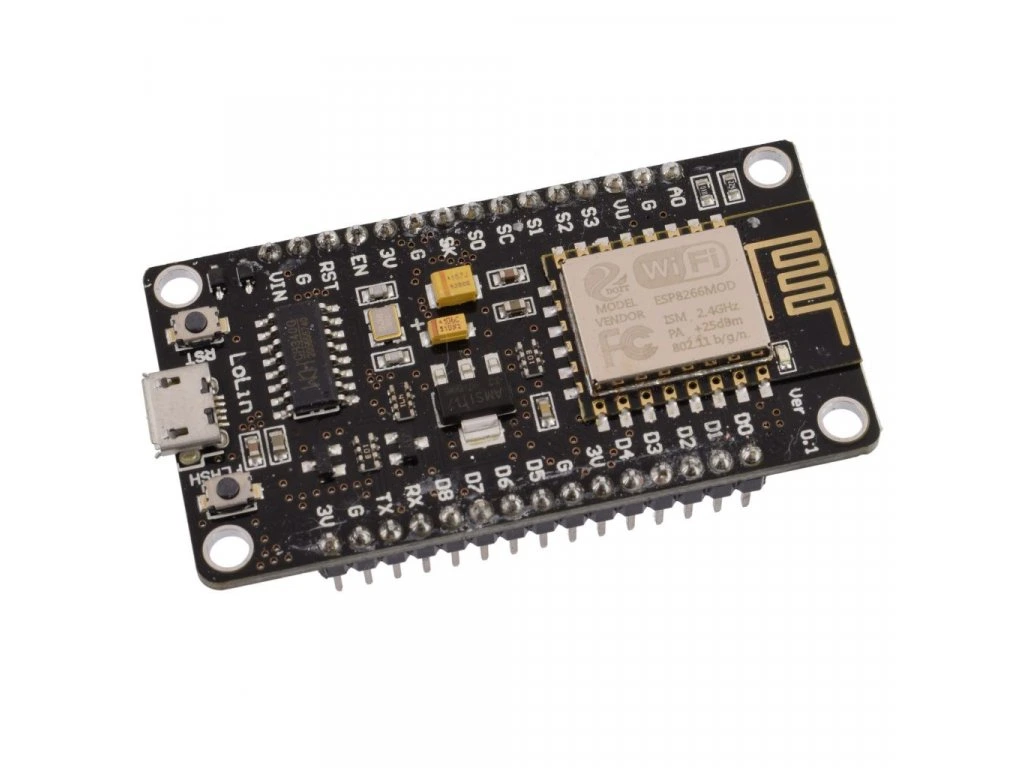
I encounter a problem with the driver of this chip with complete regularity after connecting to the PC. We will illustrate this problem and its solution using the ESP8266 module, which is equipped with the aforementioned CH340 chip, in the Windows 10 environment.
After connecting this module to the PC, the computer automatically detects the CH340 chip and installs the appropriate driver from its repository – in my case, this is version 3.8.2023.2. You can find the CH340 driver available for download in the download section. Extract the downloaded file from the archive and run it. A dialog box will appear; to install, click the INSTALL button. After a successful driver installation, the error message in the terminal window will no longer appear.
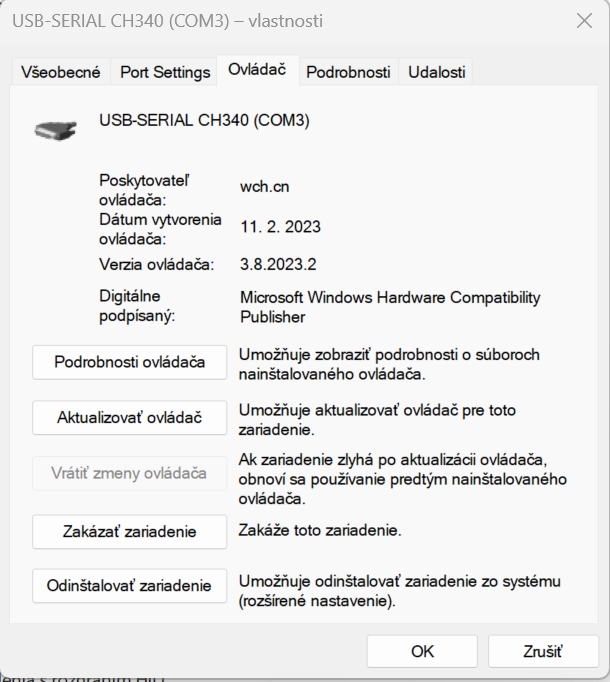
When attempting to initiate communication with the ESP8266 module via the serial port – in my case COM3 – an error about the serial port being unavailable appears in the terminal window:
Unable to connect to COM3: Cannot configure port, something went wrong. Original message: PermissionError(13, 'A device attached to the system is not functioning.', None, 31) If you have serial connection to the device from another program, then disconnect it there first.
Process ended with exit code 1.
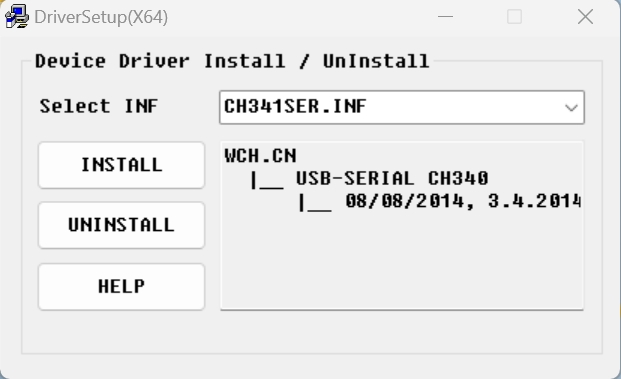 Now your Windows is able to communicate via the serial line with the ESP processor.
You can verify whether you have the correct version of the driver for the respective serial port in the hardware properties dialog box.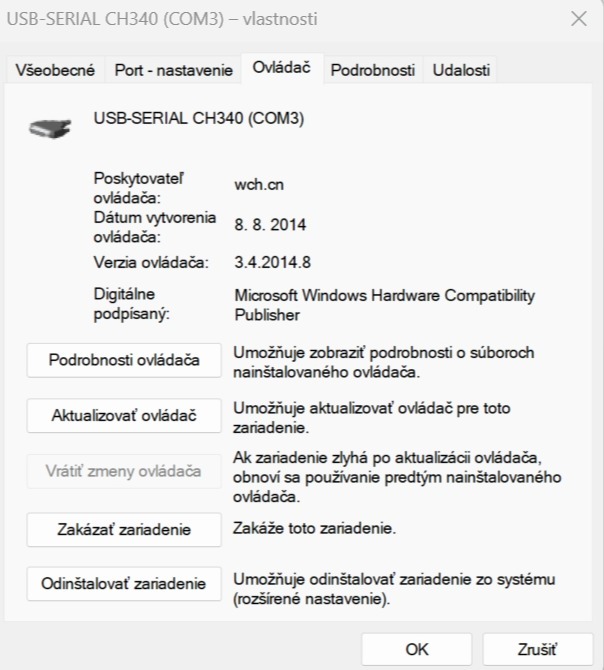
All the necessary files for "updating" the driver for the CH340 chip can be downloaded in the download section .